AI Chord Progression Generator
Shape the harmony with a key, voicing, and feel. Try inversions and different instruments in your DAW.
“Write 8 bars of warm neo-soul chords in D minor with spacious seventh-chord voicings.”Explore chord generation →
VST3 · AU · AAX · Standalone
Text-to-MIDI AI for Your DAW
Generate chords, melodies, drums, and basslines. Develop MIDI you already have, transcribe recordings, and shape every note with your own instruments in your DAW.
See how a prompt becomes MIDI you can use in your DAW. This demonstration was recorded with an earlier version of MIDI Agent.
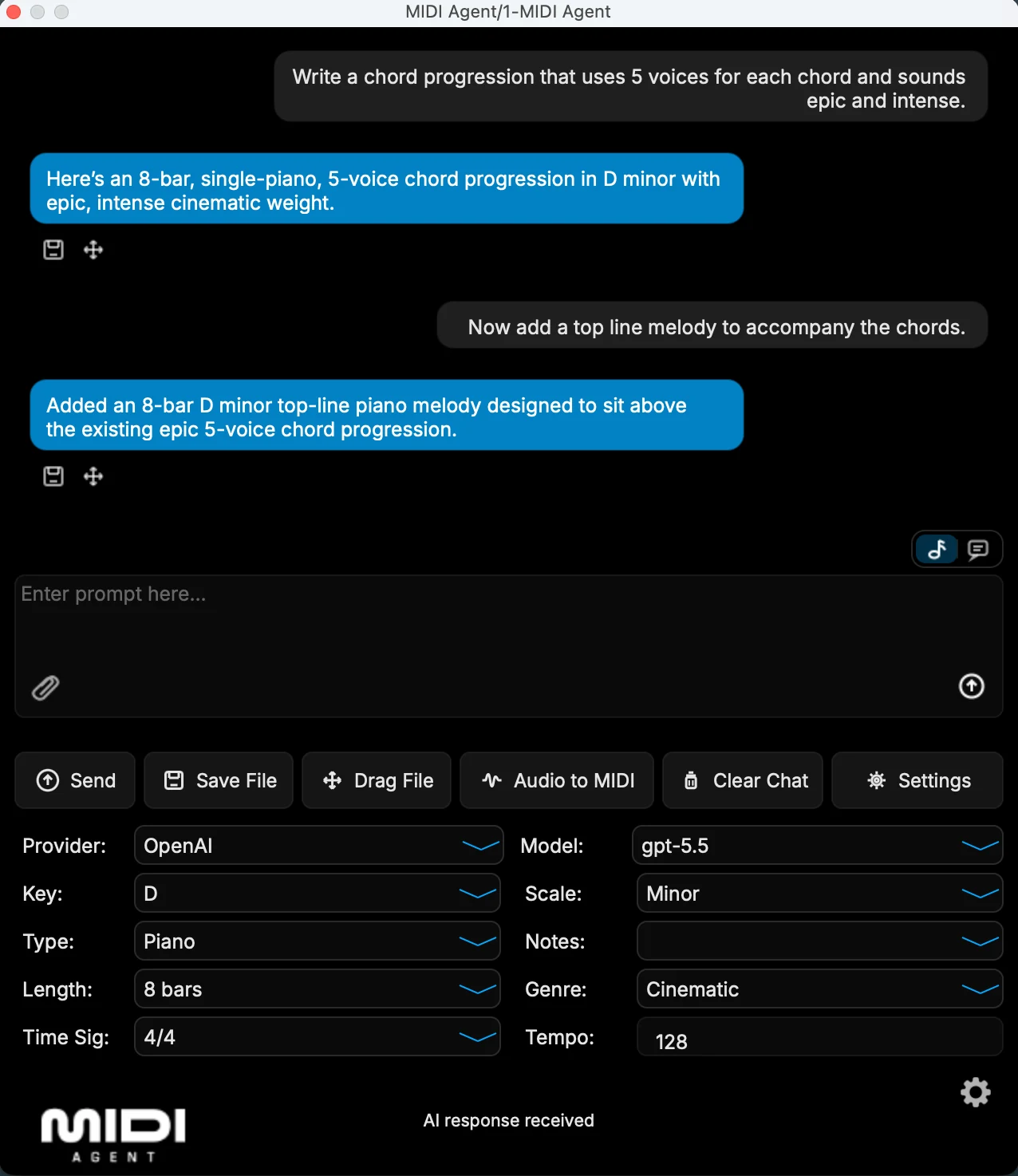
AI Integrations and give the model a musical direction.
Set musical parameters, review the result, and ask for another pass.
Move the generated MIDI onto a DAW track or save the file.
Choose your instrument and edit notes, timing, and velocity in your DAW.
Give each request a clear musical job. Choose key, scale, length in bars, note length, and genre, then use your prompt to describe the mood, rhythm, and role.
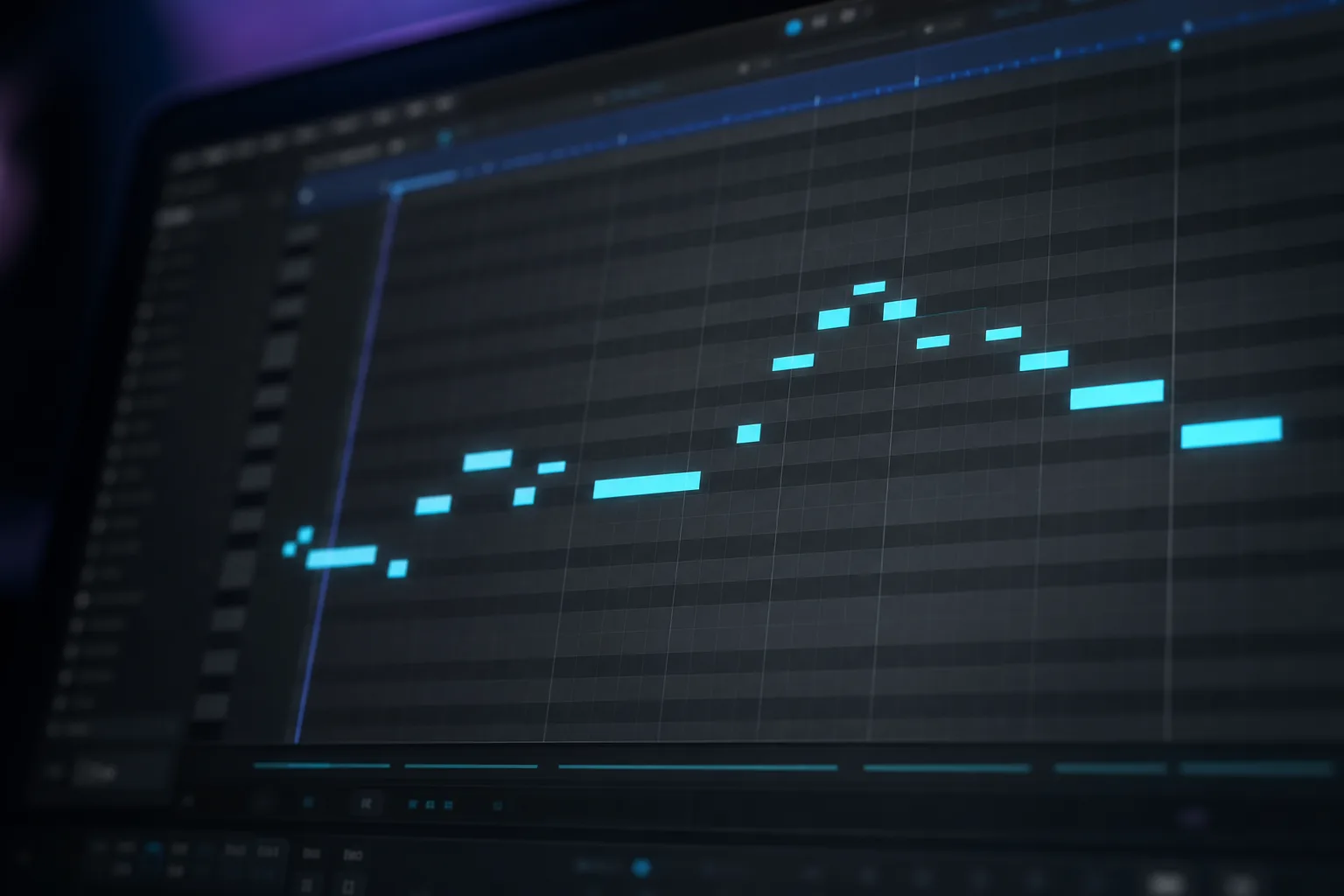
Shape the harmony with a key, voicing, and feel. Try inversions and different instruments in your DAW.
“Write 8 bars of warm neo-soul chords in D minor with spacious seventh-chord voicings.”Explore chord generation →
Describe the register, rhythm, and contour of a hook or lead, then refine the phrase note by note.
“Create a sparse 4-bar melody in A minor. Start low, rise in bar 3, and leave room between phrases.”Explore melody generation →
Give the bass a role alongside your chords and drums. Shape its octave, movement, and note lengths.
“Make an 8-bar house bassline in F minor with short, syncopated notes and space on the downbeat.”Explore bassline generation →
Ask for kick placement, hats, swing, and fills. Adjust mapping and velocities for your own drum rack.
“Create a 4-bar hip-hop drum groove with a half-time snare, swung hats, and a short final fill.”Explore drum generation →
Attach a MIDI phrase and ask for an extension, a contrasting variation, a fill, or a transition. Give the model a specific direction, then keep the parts that work in your arrangement.
“Extend this chord progression by 4 bars. Keep the harmonic feel, but build tension before the chorus.”Explore MIDI extensions →
Bring in an audio file, generate a MIDI transcription, and move the result into your DAW. Change the instrument, correct notes, or develop the phrase into something new.
Explore audio-to-MIDI transcription →Try a short, clean piano or guitar recording with little reverb. Listen to the transcription through your chosen instrument, then correct pitches, timing, and velocities.
Recording → MIDI transcription → DAW editing
Dense mixes, overlapping instruments, distortion, and heavy effects make transcription harder. Treat the result as an editable starting point.
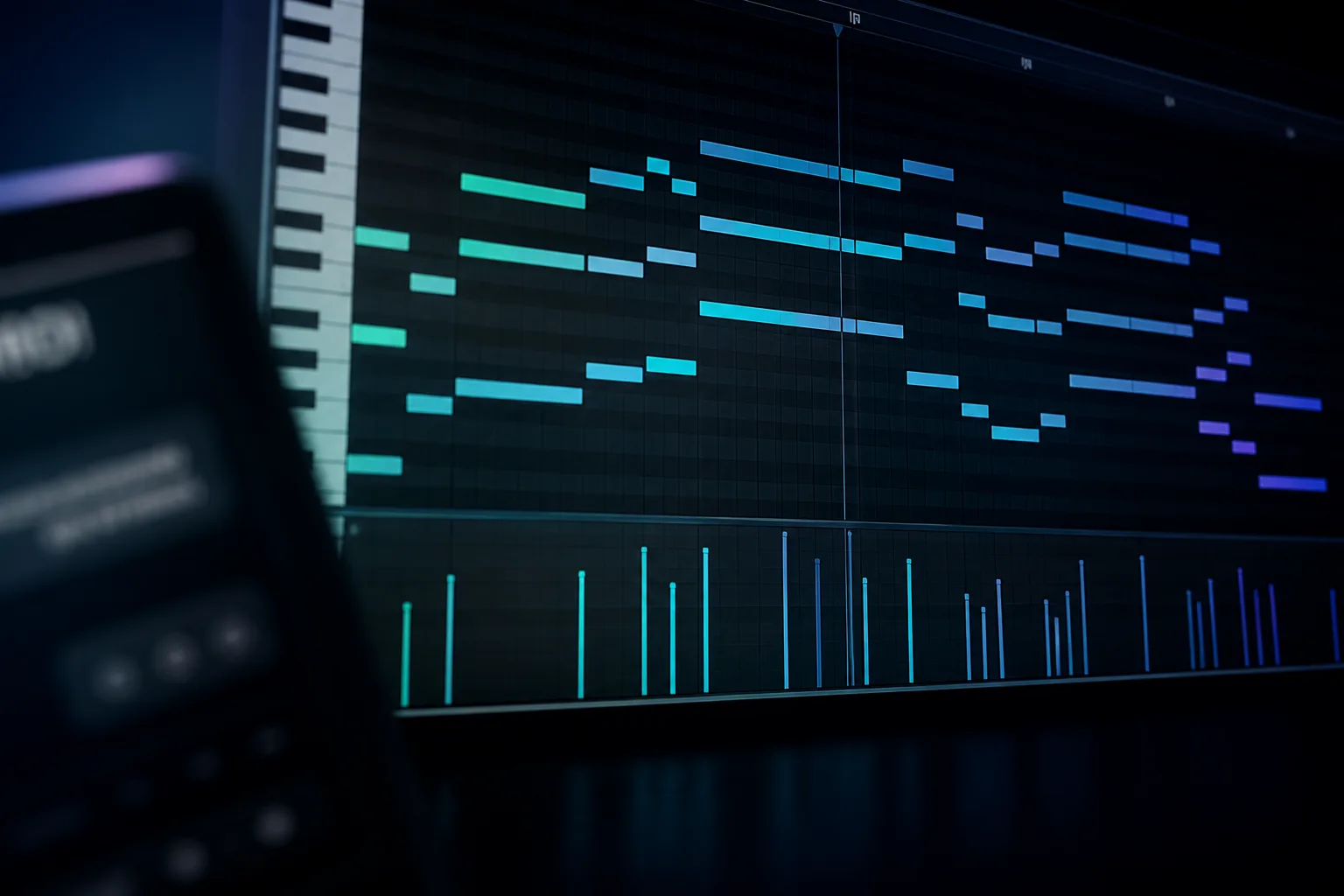
Use Save Latest File or Drag Latest File to move the result onto your chosen track. Audition it through your synths, samplers, pianos, or orchestral libraries, then edit notes, timing, and velocity in your DAW.
The Standalone MIDI generator runs on Windows and macOS without a DAW.
Explore the Standalone app →Generate MIDI with ChatGPT, Claude, and Gemini
Get MIDI AgentConnect your ChatGPT account, use provider API keys, run local LLMs through Ollama or LM Studio, or use MIDI Agent Pro.
Use your ChatGPT account with MIDI Agent.
Connect supported providers with your own keys. Provider usage is billed separately from the plugin license.
Connect Ollama or LM Studio for local MIDI generation. Model quality, speed, and hardware needs depend on your setup.
Get managed access without provider keys for $20/month, with 500 AI generations per month. Requires a plugin license.
Connect your ChatGPT account, use your own provider API keys or local LLMs, or add MIDI Agent Pro.

Connect your ChatGPT account

OpenAI API key

Anthropic provider

Gemini provider

xAI provider

DeepSeek provider

OpenRouter provider

Ollama provider

LM Studio provider

Hugging Face provider

Managed Pro model
Managed Pro model
Managed Pro model
MIDI Agent is available as a VST3 plugin, AU plugin, AAX plugin, and standalone application. It is compatible with all major digital audio workstations, ensuring seamless integration with your existing setup.
VST3, AU

VST3, AU
AU

AAX

VST3

VST3, AU

VST3, AU

VST3

VST3

AU
Standalone application works outside your DAW and lets you export MIDI into any session.
Hear from music producers who use MIDI Agent in their creative workflow.
“I've been thoroughly enjoying MIDI Agent. The interface is incredibly user-friendly, and it keeps getting better with each new update...”
“I've been thoroughly enjoying MIDI Agent. The interface is incredibly user-friendly, and it keeps getting better with each new update...”
“I love your plugin. I've already made 3 songs from ideas started with this great AI tool. Looking forward to see how others use it.”
“Best money I've spent on a music vst... a dope way of getting out of beat block.”
“We are using MIDI Agent specifically for its ability to understand complex genre prompts...It acts as a world-class session player...”
“I’m loving MIDI Agent. It’s genuinely transformed my workflow, and it’s the missing piece I’ve been trying to find for years.”
Generate MIDI with ChatGPT, Claude, Gemini, and more, directly in your DAW.
Compare pricing details$49/lifetime
$99
Quick answers to common questions about MIDI Agent.
MIDI Agent is an AI MIDI generator for DAW integration with ChatGPT account support, provider API keys, local LLMs, and optional MIDI Agent Pro access. It generates editable MIDI directly inside your DAW.
Yes, AI can generate MIDI files. MIDI Agent uses Large Language Models (LLMs) like ChatGPT and Claude to create MIDI data from natural language descriptions. You describe the music you want—melody, chords, bass line, drums—and the AI generates corresponding MIDI that you can edit, assign to any instrument, and use in your productions.
Yes, MIDI Agent can work offline when using local LLMs through Ollama or LM Studio. This allows for completely private, offline AI MIDI generation. For cloud-based AI providers like OpenAI, Anthropic, or Google Gemini, an internet connection is required.
No. You can use your ChatGPT account, provider API keys, or local models. MIDI Agent Pro is optional.
Yes. You can use your ChatGPT account with MIDI Agent.
At this time there is no free trial due to infrastructure and usage costs for the plugin.
MIDI Agent supports VST3 in cross-platform hosts, AU on macOS hosts such as Logic Pro and GarageBand, AAX in Pro Tools, and a Standalone app for no-DAW workflows.
AI MIDI generation uses Large Language Models (LLMs) trained on musical patterns and theory. When you describe music in natural language—like 'create a melancholic piano melody in A minor'—the AI interprets your intent and generates appropriate MIDI note data including pitches, velocities, and timing that matches your description.
No. MIDI generated by the plugin is your property, free for both personal and commercial use. You own 100% of the rights to any music you create with MIDI Agent, with no royalties or attribution required.
MIDI Agent supports ChatGPT accounts, OpenAI and other provider API keys, local LLMs via Ollama and LM Studio, and managed MIDI Agent Pro models. ChatGPT models are loaded from the connected account.
No, user interactions, input files, or output files are not used for training AI models by MIDI Agent. Each provider that MIDI Agent connects to (OpenAI, Anthropic, Gemini, Deepseek, OpenRouter etc.) is subject to the terms and conditions of that provider, if this is a concern for you visit their respective company websites and review their policies.
Artist References: Using an artist's name as a reference is very unlikely to yield the desired results or may be denied entirely. Alternative Approach: Request musical elements that capture the quality of that artist's style instead.
Yes, please visit our affiliates page for more information.
The plugin license and AI access are separate. You can use your ChatGPT account. API providers bill their own usage. Local models run on your hardware. Optional MIDI Agent Pro costs $20/month and includes 500 AI generations per month.
Yes. The Standalone app on Windows and macOS lets you generate MIDI and save or drag the resulting file into a project. In a DAW, use your own instruments to play the notes and your piano roll to edit them.
Yes. Attach an existing MIDI file and describe the extension, variation, fill, or transition you want. Refine the result with follow-up instructions, then combine and edit your chosen parts in the DAW.
Start with a short, clean recording of a clearly audible part. Dense mixes, overlapping instruments, distortion, and heavy reverb make transcription harder. Review and correct the resulting notes, rhythms, and velocities in your DAW; transcription is a starting point for editing.
The documentation covers installation, plugin formats, AI access, musical controls, and file export. Use it to set up your DAW or the Standalone app.
For technical FAQ and documentation, please visit our FAQ page or documentation.
Need more help? Contact support here
Generate MIDI from text, extend existing MIDI, and transcribe audio. Export the notes to your DAW and edit them with your own instruments.
Get MIDI Agent Written by MIDI Agent Last updated MIDI Agent builds AI tools for music producers, composers, and beatmakers who want to generate musical ideas inside their DAW.