Use Hugging Face prompts for MIDI Production
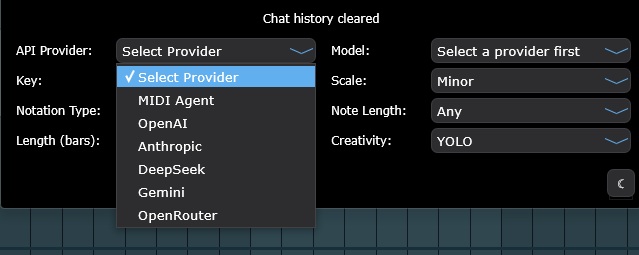
Hugging Face MIDI generator workflows in MIDI Agent turn provider prompts into editable notes. Hugging Face is a cloud model provider for producers who want to try chat-completion-capable open-weight and open-source model projects through MIDI Agent Custom. Use Hugging Face for melodies, chords, basslines, drum ideas, variations, and extensions that stay inside your DAW instead of becoming fixed audio.